Introduction
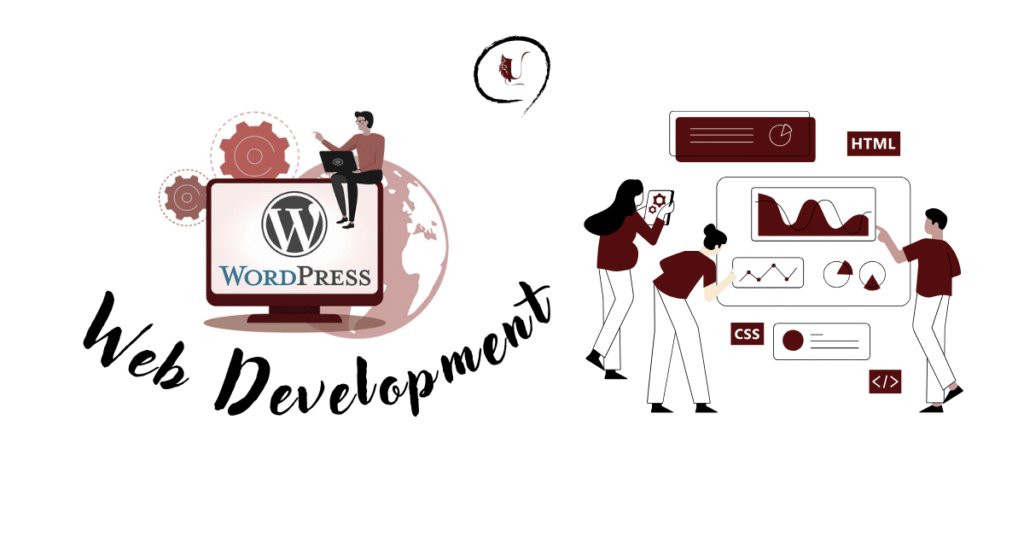
In today’s digital-first world, having a website is no longer optional; it’s essential. Whether you’re a student, a freelancer, or a business owner, your website acts as your online identity. But here’s the good news: you don’t need to be a coding genius to create a professional website. With WordPress web development, you can build anything from a personal blog to a full-scale e-commerce store without breaking the bank.
This complete guide will walk you through everything you need to know about WordPress web development, from setting up your site to optimising it for performance and SEO—so you can confidently create websites that drive results.
What is WordPress Web Development?
WordPress web development is the process of designing, building, and maintaining websites using the WordPress content management system (CMS). It covers:
- Website setup and hosting
- Theme design and customisation
- Plugin installation for features
- SEO, performance, and security optimisation
- Advanced development for custom needs
Did you know?
WordPress powers 43% of all websites globally, including BBC America and The White House.
Why Choose WordPress for Web Development?
1. Beginner-Friendly, No Coding Required
WordPress features a straightforward dashboard that enables easy content management, ideal for beginners.
2. Huge Library of Themes & Plugins
With 10,000+ themes and 60,000+ plugins, customisation is limitless.
3. SEO-Optimised
Built-in SEO features and plugins, such as Yoast SEO or Rank Math, make it easier to rank on Google.
4. Scalable for Businesses
From blogs to corporate websites and e-commerce, WordPress grows with you.
5. Cost-Effective
Get a professional website for as little as $50–$100/year, compared to thousands for custom coding.
Step-by-Step Guide to Building a WordPress Website
Step 1: Choose a Domain and Hosting
- Your domain is your online address (e.g., usmanirshad.com).
- Your hosting is where your website lives.
- Popular hosting providers include Bluehost, SiteGround, and Hostinger.
Check the best WordPress hosting providers here
Step 2: Install WordPress
- Most hosting providers offer 1-click installation. Within minutes, your site is live.
Step 3: Select a Theme
Themes define your site’s look and feel. Options include:
- Free themes from WordPress.org
- Premium themes from ThemeForest
- Custom-built themes for unique branding
Need a unique theme? Explore my WordPress Development Services.
Step 4: Install Essential Plugins
Plugins extend your website’s functionality. Must-have plugins:
- Elementor – Drag-and-drop page builder
- Yoast SEO / Rank Math – SEO optimisation
- WooCommerce – For online stores
- WPForms – Contact forms
- Wordfence – Security & firewall
Step 5: Add Core Pages
Every website should have:
- Home – Clear brand message
- About Us – Who you are
- Services/Products – What you offer
- Blog – Share insights + improve SEO
- Contact Page – Forms, address, links
Step 6: Optimise for SEO & Performance
- Use SEO-friendly URLs (example.com/web-development)
- Compress images (with Smush or ShortPixel)
- Install caching plugins (e.g., W3 Total Cache)
- Add internal links for better navigation
Advanced WordPress Development for Businesses
Custom Development
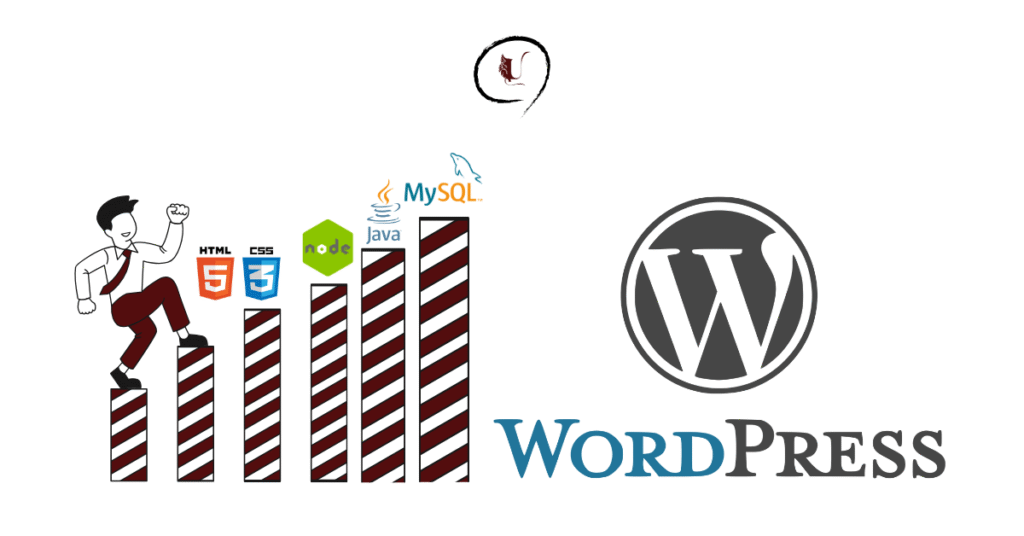
For unique business needs, developers use PHP, CSS, and JavaScript for:
✔ Custom themes
✔ API integrations
✔ Tailored plugins
E-Commerce with WooCommerce
Turn WordPress into a complete online store with features like:
- Product & inventory management
- Secure payment gateways
- Customer accounts & reviews
- Order tracking
Headless WordPress
For advanced setups, Headless WordPress integrates with frameworks like React or Next.js for faster, app-like websites.
Common Mistakes to Avoid
- Installing too many plugins (slows site)
- Ignoring updates (security risks)
- Poor image optimisation
- Not making your site mobile-friendly
- Skipping regular backups
WordPress Trends in 2025
- AI-powered WordPress plugins
- Voice-search optimisation
- Eco-friendly & green hosting solutions
- Mobile-first, app-like experiences
- Headless WordPress adoption
Conclusion
WordPress web development offers a perfect balance of simplicity, flexibility, and power. Whether you’re a beginner building your first blog or a business owner scaling your digital presence, WordPress makes it possible to create professional websites that grow with you.
Want to learn WordPress or need a professional website for your business?
Contact me today or explore my WordPress Development Services
FAQs
Is WordPress free?
Yes, WordPress software is free, but you’ll need paid hosting and a domain name.
Can I build an e-commerce store with WordPress?
Absolutely! With WooCommerce, you can set up a fully functional online store.
Do I need coding knowledge?
Not at all. Beginners can use themes and page builders. Developers can add custom code if needed.
How long does it take to build a WordPress website?
A simple site can be ready in a few hours, while a custom business website may take weeks.